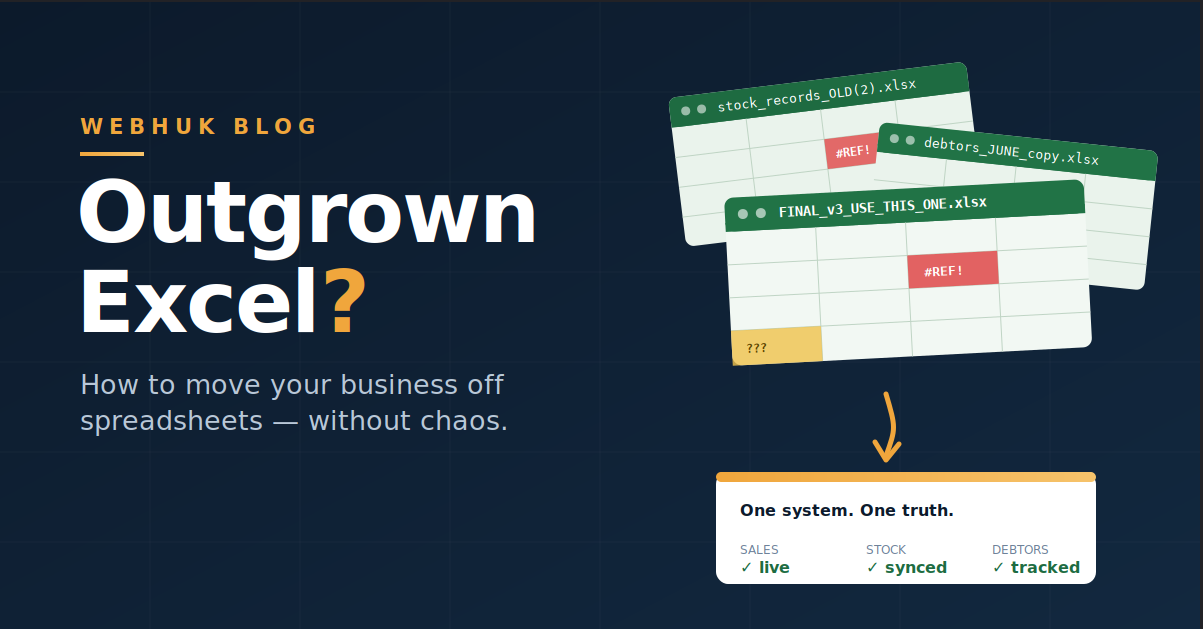
Every growing business in Ghana has a version of the same file. It's called something like STOCK_2026_FINAL_v3_USE_THIS_ONE.xlsx. It lives on the manager's laptop, a slightly different copy lives on the accountant's desktop, and a third copy — nobody knows how old — is floating around a WhatsApp group. It holds the stock records, or the customer debts, or both. And everyone in the business quietly knows that if that laptop is stolen, or the file corrupts, or the one person who understands the formulas travels, the business is in real trouble.
Spreadsheets are brilliant tools — genuinely. They're how most successful SMEs got organised in the first place. But there is a point in every company's growth where the spreadsheet stops being the solution and becomes the risk. This guide covers the warning signs that you've reached that point, what moving from spreadsheets to software actually involves, and a four-week migration plan that won't stop your business while you do it.
Spreadsheets Got You Here. They Won't Get You There.
Let's be fair to Excel first. For a one-person business, a spreadsheet is free, flexible, and familiar. You can build anything in it — a price list, a debtors book, a stock count, a cash log. That flexibility is exactly why it works early on.
But the same flexibility is the weakness at scale. A spreadsheet doesn't know that the invoice you typed in Sheet1 should have reduced the stock in Sheet2 and increased the debtor balance in Sheet3. You are the integration — every link between sales, stock, and cash exists only in someone's discipline and memory. Add a second staff member, a second branch, or a second currency, and the manual links start snapping.
7 Signs You've Outgrown Spreadsheets
1. Version chaos. More than one copy of the "master" file exists, and reconciling them is a recurring job. If you've ever made a decision on last month's numbers because you opened the wrong copy, that's not a small problem — that's the business flying on faulty instruments.
2. One-person dependency. Only one person understands the file's structure and formulas. When they're sick, travelling, or they resign, the business's records effectively resign with them.
3. The numbers don't agree with reality. The stock sheet says 40 units; the shelf says 26. The debtors sheet says a customer owes GHS 12,000; the customer waves a payment receipt. When staff stop trusting the spreadsheet, they stop updating it — and it decays from "slightly wrong" to "fiction" within weeks.
4. No audit trail. A number changed since last week. Who changed it? When? Why? A spreadsheet can't tell you. That's an integrity problem when it's an honest mistake — and a much worse one when it isn't. Businesses handling cash and stock need records that show who did what.
5. Everyone can see everything (or no one can see anything). With a shared file, the sales assistant who should only record sales can also see — and accidentally edit — the profit margins and everyone's balances. The alternative, locking the file away, means staff work blind. Neither is right. Growing teams need role-based access: each person sees exactly what their job requires.
6. Reporting is an event, not a glance. "How did we do this month?" triggers two days of copying, pasting, and formula repair. By the time the answer arrives, it's about the past. A healthy business answers that question in one glance at a dashboard, using live numbers.
7. The workflow gaps are costing you sales. Enquiries recorded in one file, quotes typed in Word, invoices in another template, payments in a notebook. Every gap between those documents is retyping, delay, and error — the exact leakage we covered in our guide to the enquiry-to-invoice workflow. Spreadsheets can store each document; they cannot connect them.
Three or more of these and the question isn't whether to move — it's how to move without chaos.
What Should You Move To?
Not every business needs the same destination, so here's the honest map:
- Accounting-only apps solve invoicing and bookkeeping but leave stock, quotes, and customer records in spreadsheets — you've moved one sheet, not the problem.
- Full enterprise ERPs connect everything but come with enterprise price tags, months-long implementations, and consultants. Overkill for a 5–30 person business.
- Integrated SME platforms (the middle path) connect customers, quotations, invoices, stock, and payments in one system, with per-user monthly pricing and setup measured in minutes or days rather than months. This is the category Webhuk sits in, and for most growing SMEs in Ghana it's the right-sized jump: the connectedness of an ERP without the weight.
Whichever you choose, apply one test: when you create an invoice, does the stock reduce and the customer balance update by itself? If the answer is no, you're buying a prettier spreadsheet.
The 4-Week Migration Plan (Without Stopping the Business)
The biggest fear about leaving spreadsheets is disruption. The answer is to migrate in stages and run in parallel — never a big-bang switch. Here's a plan sized for a typical SME:
Week 1 — Clean and import your master data. Export your customer list, supplier list, and stock items from Excel to CSV. Before importing, do the cleanup you've postponed for years: merge duplicate customers, fix phone numbers, standardise item names. Then import your customers and stock items from CSV into the new system. In Webhuk, contacts and SKUs import from CSV, and the initial setup wizard walks through company details, branches, and users in about 20 minutes — so week one is mostly about your data hygiene, not the software.
Week 2 — Move the sales documents. Set up your letterhead, standard terms, and taxes, then create all new quotations and invoices in the system. Old, open invoices can be entered with their outstanding balances so receivables are complete. Keep the old spreadsheet frozen as an archive — don't maintain both.
Week 3 — Parallel-run the stock. Do a physical count (you needed one anyway), enter opening stock per branch, and let the system deduct stock automatically as invoices are raised. For two weeks, spot-check system counts against the shelf. This is the week trust is built.
Week 4 — Payments, users, and the cutover. Record all payments against invoices in the system, add your remaining staff with roles that match their jobs, and hold a short training session. Then declare the cutover date: from that Monday, the spreadsheet is read-only history. If your business imports goods or runs supplier quotes, weeks 5–6 extend naturally into landed cost of imported goods and the RFQ process — but the core migration is done in four.
One rule throughout: never delete the spreadsheets. Archive them. They're your history and your safety net, and keeping them costs nothing.
What Changes on the Other Side
Businesses that complete this migration describe the same shifts: one source of truth instead of competing copies; new staff productive in days because the process lives in the system, not in a veteran's head; month-end reporting that takes minutes; and — the one owners mention most — the ability to check the day's sales, stock position, and receivables from anywhere, without calling the shop to ask someone to open a file.
And to be honest about the other direction: keep Excel. It remains excellent at what it was built for — ad-hoc analysis, quick modelling, one-off calculations. Export your data from the system into a spreadsheet whenever you want to explore it. The goal was never to abolish Excel; it was to stop asking it to be your database, your accountant, and your memory all at once.
The Bottom Line
Spreadsheets are where good businesses start, not where they should finish. If you recognised three or more of the seven signs, schedule the four-week plan for your next quiet-ish month. Webhuk covers the full journey — customers, quotations, invoices, stock across branches, payments, and role-based access — with CSV import for your existing data, a setup wizard that takes minutes, plans from 80 ghs per user per month, and a 14-day free trial that's long enough to complete weeks one and two before you spend anything.
The file called FINAL_v3_USE_THIS_ONE.xlsx has served its purpose. Let it retire with honour.
Start your free trial
Frequently Asked Questions
How do I know when my business has outgrown Excel? Common signs: multiple conflicting copies of the same file, stock or debtor records that don't match reality, dependence on one person who understands the formulas, no record of who changed what, and reporting that takes days instead of minutes. Three or more signs usually means it's time.
What is the best way to move from spreadsheets to business software? Migrate in stages over about four weeks: clean and import master data (customers, suppliers, stock items) from CSV first, then move new quotations and invoices, then parallel-run stock against physical counts, then move payments and add staff with proper roles. Archive the old spreadsheets — never delete them.
Will I lose my data when moving off spreadsheets? No — your existing data moves with you. Export customers, suppliers, and stock items to CSV and import them into the new system. Your historical spreadsheets remain as read-only archives.
Can spreadsheets and business software work together? Yes, and they should. Use the business system as the single source of truth for daily operations, and export data to Excel whenever you want ad-hoc analysis or custom modelling. Excel is a great analysis tool — it's just a poor database.
How long does it take to set up business management software for an SME? Modern SME platforms set up in minutes to days rather than months. Webhuk's setup wizard covers company details, branches, taxes, and users in roughly 20 minutes; the realistic total timeline for a full migration, including your own data cleanup, is about couple of weeks.
How much does business management software cost in Ghana? Cloud platforms charge per user per month. Webhuk starts at 80 ghs per user per month with a 14-day free trial, so a five-person business runs its entire operations for roughly the price of one tank of fuel.