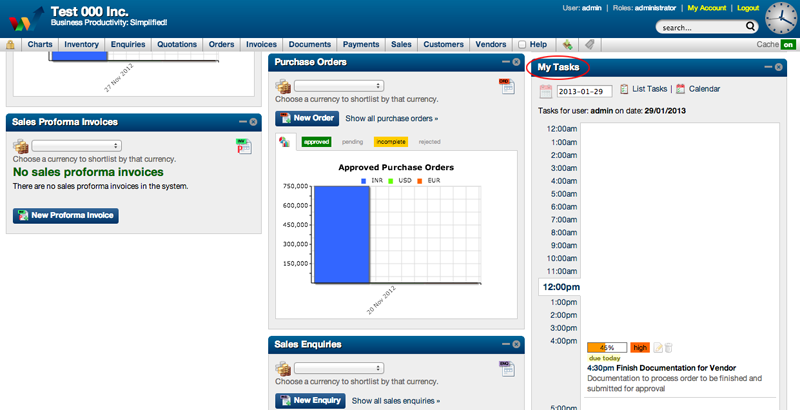
All tasks can be viewed directly on the Dashboard.
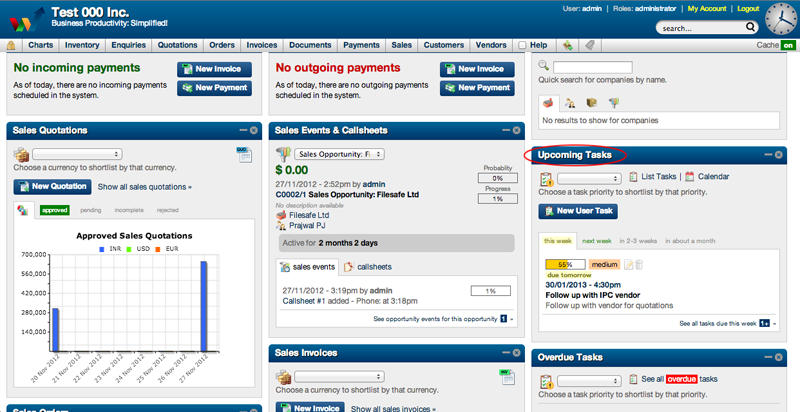
The following widgets on the Dashboard display Upcoming, Overdue and Today's Tasks assigned to a user
- Upcoming Tasks Widget
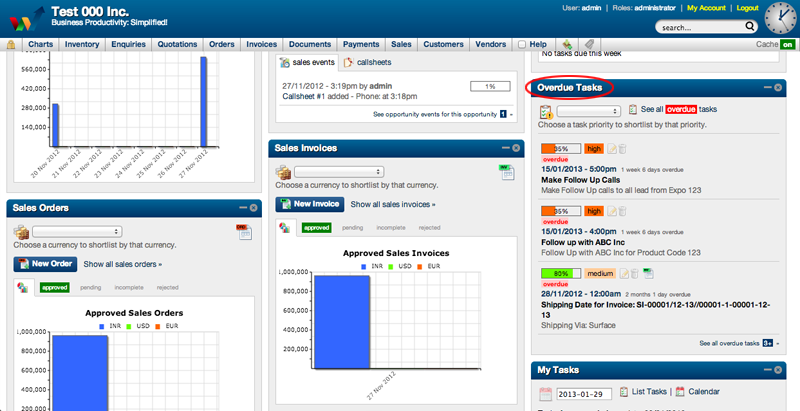
- Overdue Tasks Widget
- My Tasks Widget
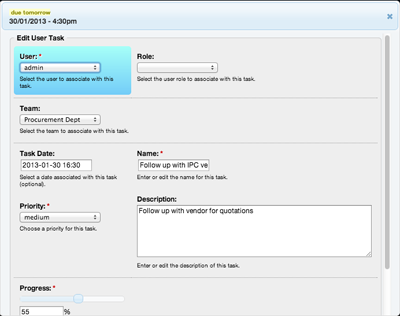
To view & edit Upcoming Task
- On Dashboard scroll down to the Upcoming Tasks Widget
- Select the Upcoming Task that you want to edit
- Click on the Upcoming Task
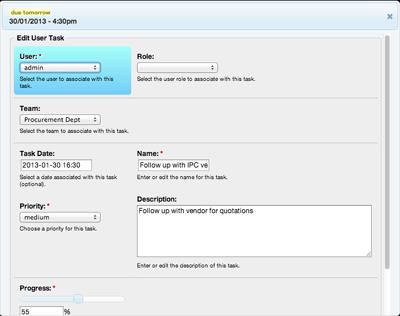
- Upcoming Task window will open
- Edit the Upcoming Task details
- Scroll down
- Click Submit
To view & edit Overdue Task
- On Dashboard scroll down to the Overdue Tasks Widget
- Select the Overdue Task that you want to edit
- Click the Overdue Task
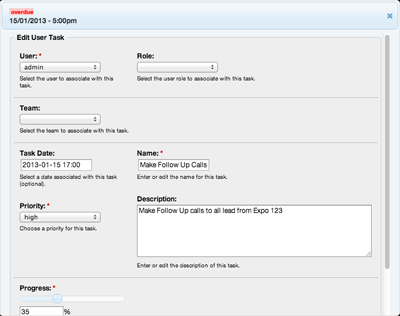
- Overdue Task window will open
- Edit the Overdue Task details
- Scroll down
- Click Submit
To view & edit Today's Task
- On Dashboard scroll down to the My Tasks Widget
- Select the task that you want to edit
- Click on the task
- Task window will open
- Edit the task details
- Scroll down
- Click Submit