
Approving an Invoice does an Automatic Adjustment to the Inventory
After an Invoice has been added and items have been added
1. Fill in the SKU details
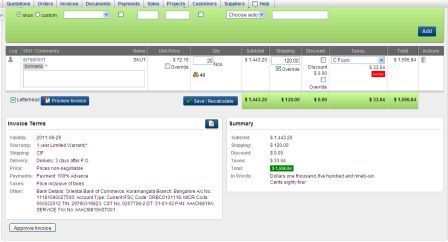
2. Click on Approve Invoice
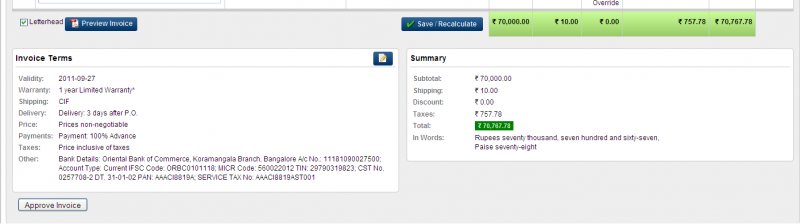
3. It takes you to the next window to Enter:
Status Notes
Delivery Challan number (the system autogenerates if the key word [auto] is shown)
DC Notes
Shipping Details
Payment Date Details
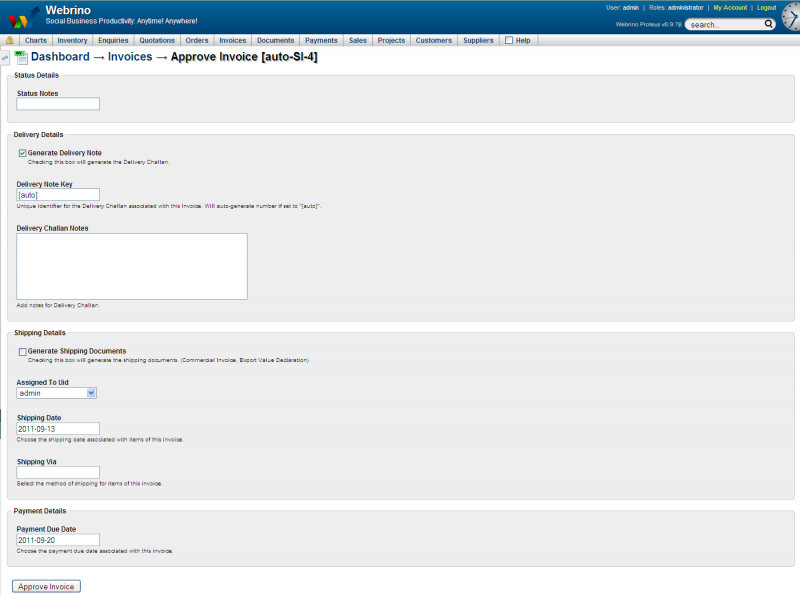
4. Fill in all the above and click Approve Invoice
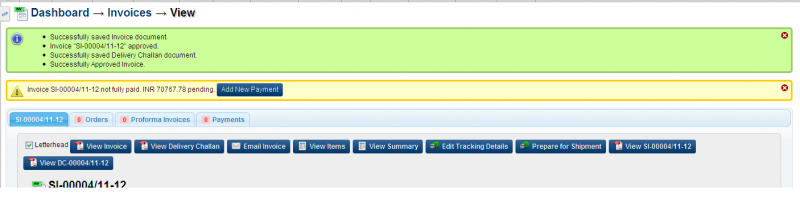
5. Invoice is now Approved and ready to be entered to the New Payment system
alternatively for Approval
1. Mouse-Over on the Main Menu
2. The very first option is Approval Queue
3. Click on Approval Queue
4. The next window will lists all items pending approval in a tabular format
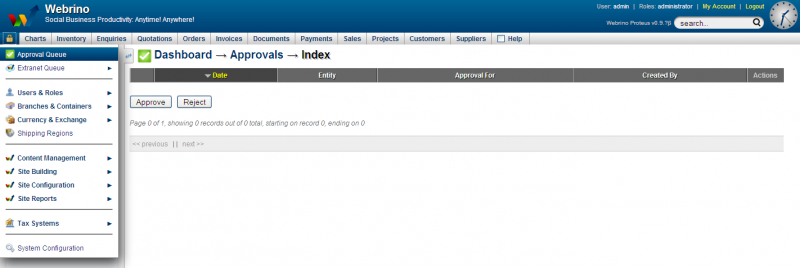
Date (date of creation of the entity)
Entity (the item pending approval this could be anything that needs approval - documents, invoices, person, company etc)
Approved for (the team, the role or the user this will be approved for and used by)
Created by (the user who created the entity)
Actions (this columns has two actions View and Delete)
5. Select the listed entity/entities by clicking the check box
6. Click either Approve or Reject